Nudity Detection & Blocking
Starting with version 1.2.0, LivingRoom automatically scans the screen for nudity every 2 seconds while recording. If nudity is detected, the screen is shielded and the internet is turned off — with zero setup required.
How it works
When screen recording is active, LivingRoom analyzes the screen content every 2 seconds. If nudity is detected, two things happen immediately:
- The screen is shielded — inappropriate content is hidden from view so your child cannot continue viewing it.
- The internet is turned off — the responsible app is blocked and connectivity is cut, preventing any further content from loading.
This all happens automatically. There is nothing you need to enable or configure — it works out of the box as soon as recording starts.
A lot of engineering went into making nudity detection efficient. It runs alongside the existing screen recording with no noticeable impact on battery life.
Why this matters
LivingRoom used to be purely reactive — parents could review screenshots after the fact to discover if their child viewed inappropriate content. Nudity detection makes LivingRoom proactive. Instead of just monitoring, it now actively prevents your child from viewing nudity in the first place.
This is especially important for protecting teens from sextortion. According to thorn.org, 1 in 5 teens surveyed said they had experienced sextortion, and 1 in 7 harmed themselves in response. With automated nudity detection, a teen can't be blackmailed for explicit photos that were never viewable on their device. A parent can also discover concerning content before it's too late.
For a deeper look at how nudity detection on iPhone works and why it's a critical layer of protection, see this detailed writeup from Tech Lockdown.
See it in action
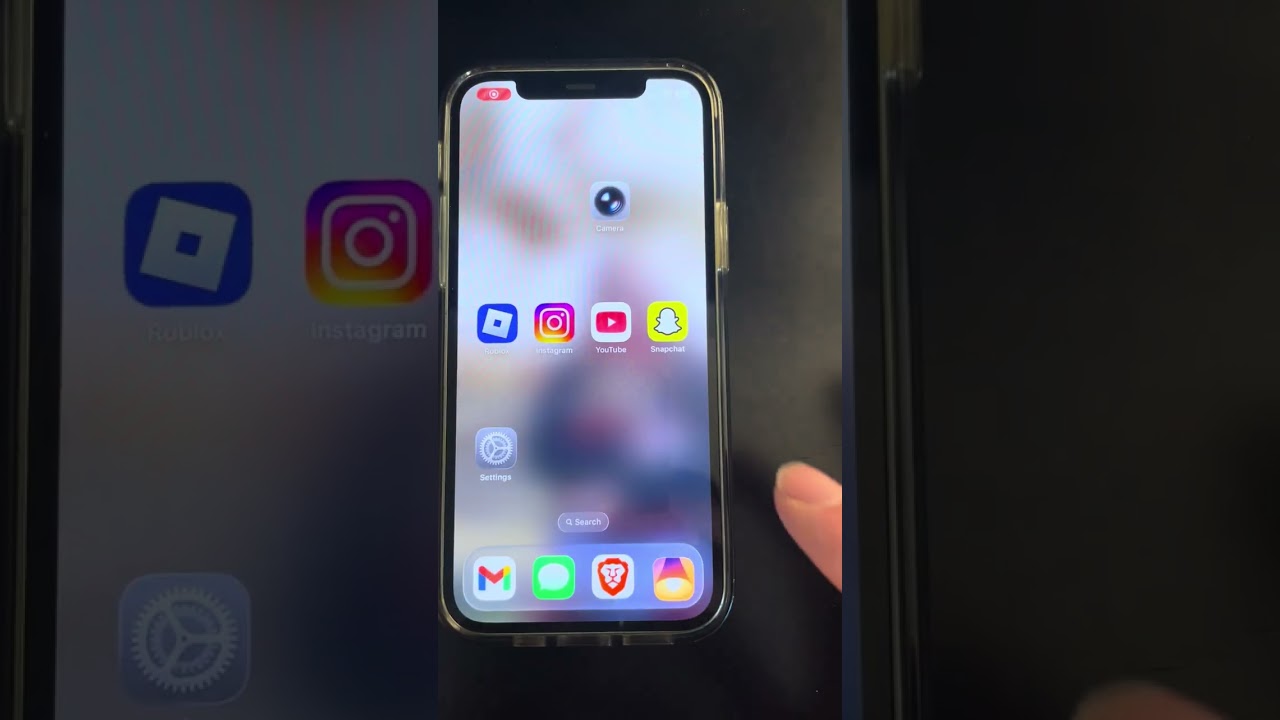
Watch this short demo showing nudity detection and blocking in real time:
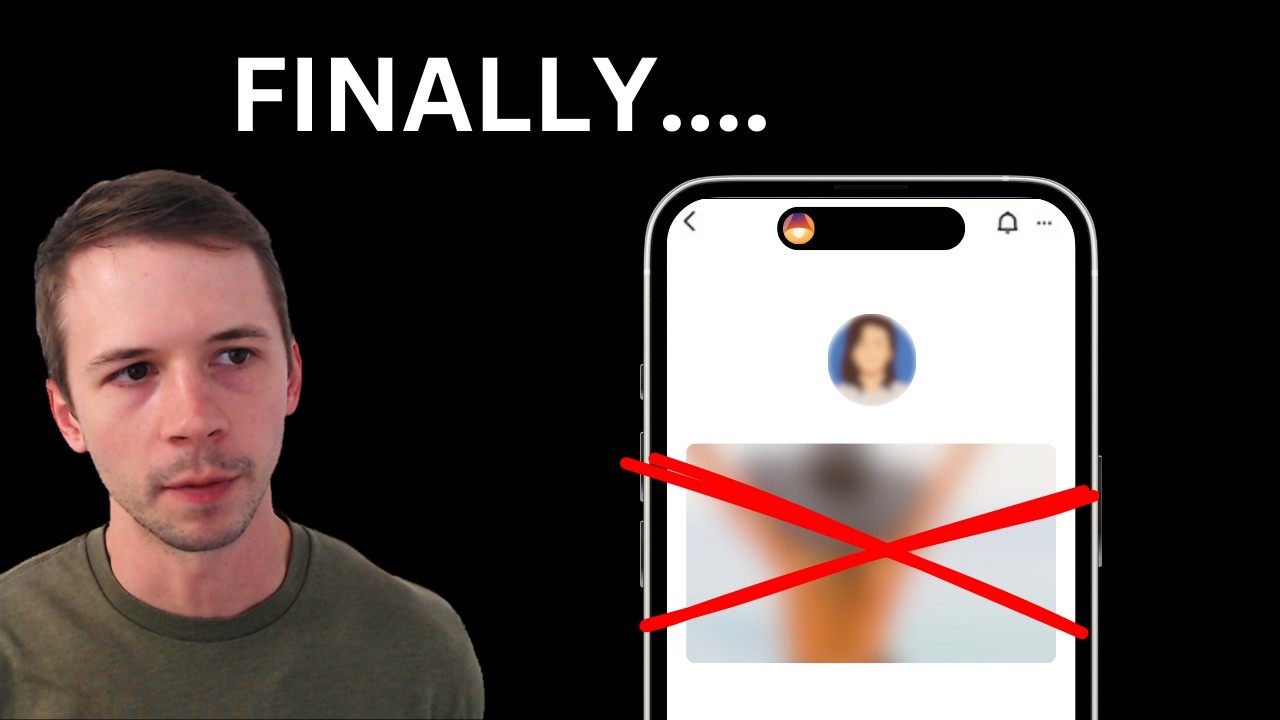
For a full walkthrough and discussion of the feature, watch the video below:
Frequently asked questions
Do I need to enable this feature?
No. Nudity detection is enabled automatically whenever screen recording is active. There is nothing to configure.
Does this work in all apps?
Yes. Since LivingRoom records the full screen, nudity detection works across all apps — browsers, social media, messaging apps, and more.
Will I be notified when nudity is detected?
Yes. In addition to shielding the screen and turning off the internet, LivingRoom sends an immediate email alert to the parent or accountability partner whenever sexually explicit content is detected. See Explicit Content Alerts for details, including optional alerts for suggestive content.
Does this affect battery life?
No. Nudity detection was engineered to run efficiently alongside screen recording with no noticeable impact on battery life.

The LivingRoom iOS app helps you protect your kids online with screenshot-based monitoring and nudity blocking.